


Have you ever been driving your Honda when a strange light popped up on your dashboard that says TPMS, and you had no idea what it meant? You’re not alone. Most drivers get that little jolt of panic, wondering if something’s seriously wrong with their tires. It’s frustrating when warning lights appear out of nowhere, especially when your car seems to be running just fine.
In this blog, we’ll break down exactly what TPMS means on a Honda, why it turns on, and what you should do when it does. You’ll learn how this system works, how to reset it, and how it helps keep your car safe and running smoothly. By the end, you’ll feel confident knowing what that light really means and how to handle it like a pro.
What Does TPMS Mean on a Honda?
TPMS stands for Tire Pressure Monitoring System, a built-in safety feature in most modern Honda vehicles. Its main job is simple it monitors the air pressure in each tire and alerts you when the pressure drops below the recommended level.
When your TPMS light appears on the dashboard, it means one or more of your tires may be underinflated or, in some cases, overinflated. Maintaining the right tire pressure is not just about comfort; it’s about safety, performance, and fuel efficiency.
Read More Article:What Does TPMS Mean on a Honda
How the Tire Pressure Monitoring System Works

The TPMS in your Honda uses tire pressure sensors located either inside the tire valve stems or attached to the wheels. These sensors continuously measure air pressure and send real-time data to your vehicle’s onboard computer.
When the air pressure in any tire drops below the recommended PSI (pounds per square inch), the TPMS triggers a warning light on your dashboard. This helps you take quick action before low pressure leads to issues like:
- Uneven tire wear
- Poor fuel economy
- Reduced traction
- Tire blowouts or failure
Honda’s TPMS system is designed to give you peace of mind, ensuring your tires always perform their best.
The Meaning of the TPMS Warning Light
If the TPMS light comes on, don’t panic. It’s simply telling you that one or more tires need attention. The light may appear in a few different ways, each meaning something slightly different:
- Steady TPMS Light: One or more tires are underinflated. Check your tire pressures with a gauge and add air to the recommended PSI.
- Flashing TPMS Light: This usually indicates a malfunction in the system or a faulty sensor. If the light flashes for 60 or 90 seconds and then stays on, it’s time for a service visit.
- TPMS Light Turning On and Off: This may happen due to temperature fluctuations, air contracts in cold weather, lowering pressure, or increases when it’s warm.
Knowing which type of TPMS alert you’re seeing helps you decide what to do next.
Why TPMS Is Important for Your Honda
You might think a small drop in tire pressure isn’t a big deal, but even a few PSI below the recommended level can make a noticeable difference. Here’s why TPMS is crucial for your Honda’s safety and performance:
- Prevents Tire Damage: Underinflated or overinflated tires wear out faster and unevenly.
- Improves Fuel Efficiency:Keeping your tires properly inflated helps minimize rolling resistance, which in turn improves your vehicle’s gas mileage.
- Enhances Vehicle Handling: Balanced tire pressure ensures better control, traction, and braking.
- Reduces Accident Risk: Low tire pressure can lead to blowouts or loss of control, especially at high speeds.
Simply put, TPMS helps you drive safer, save money, and maintain your Honda’s performance.
Read More Article:Roundup Lawsuit Evidence: What Proof Do You Need to File?
How to Check Tire Pressure on a Honda
Even though your Honda has TPMS, it’s still smart to manually check your tire pressure every month or before long trips. Here’s a quick step-by-step guide:
- Get a Tire Pressure Gauge: You can buy a simple digital or analog gauge at most auto stores.
- Check When Tires Are Cold: Measure before driving, as heat increases pressure readings.
- Locate Recommended PSI: Check the sticker on the driver’s side door jamb or your owner’s manual.
- Measure Each Tire: Remove the valve cap, press the gauge onto the stem, and read the number.
- Add or Release Air: Adjust each tire’s pressure to match the manufacturer’s recommendation.
For most Honda models, the recommended tire pressure is 32–35 PSI, but always confirm for your specific vehicle.
How to Reset the Honda TPMS Light
Sometimes, after inflating your tires, the TPMS light might not turn off automatically. Don’t worry, you can reset it easily.
If your Honda has a touchscreen:
- Go to the Home screen.
- Select Settings → Vehicle → TPMS Calibration → Calibrate.
If your Honda does NOT have a touchscreen:
- Press the buttons on the steering wheel to navigate to the Driver Information Interface.
- Navigate to Settings → TPMS Calibration → Calibrate.
After calibration, the system will relearn your tire pressure levels, and the light should disappear within a few miles of driving.
Common Reasons the TPMS Light Comes On
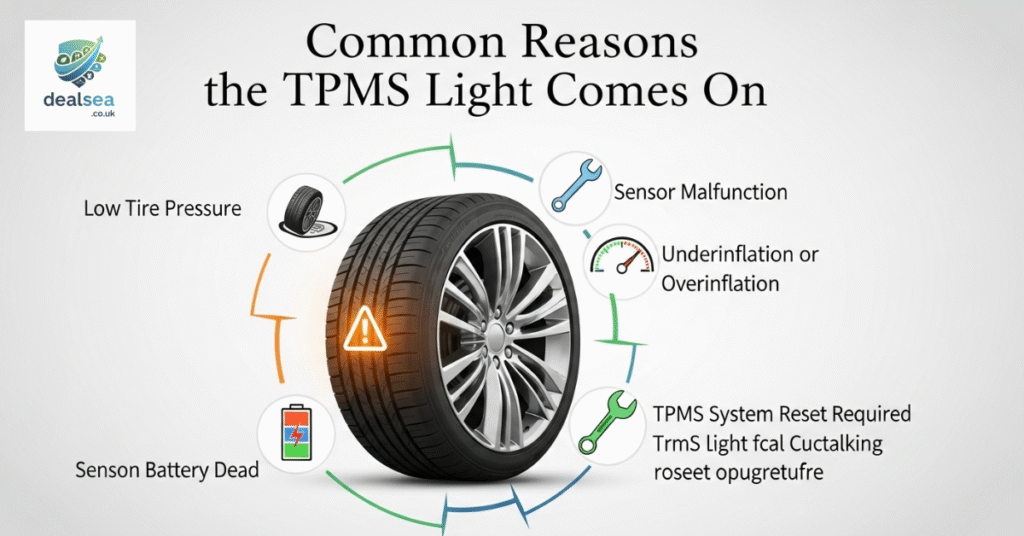
If your TPMS light turns on frequently, it could be due to several causes:
- Temperature Drops: Cold weather lowers tire pressure naturally.
- Slow Air Leaks: Tiny punctures can cause gradual pressure loss.
- Faulty Sensors: A dead TPMS sensor battery or malfunction can trigger false warnings.
- Uneven Tire Wear: Tires with damaged sidewalls or treads affect air retention.
Regular maintenance checks can prevent most of these issues before they become serious.
TPMS vs. Regular Tire Checks
While TPMS is a useful tool, it’s not a replacement for regular tire maintenance. The system typically warns you only when pressure drops 25% or more below recommended levels; by that time, the tire could already be unsafe.
Always inspect your tires monthly for:
- Proper inflation
- Even tread wear
- Visible damage or bulges
- Embedded nails or sharp objects
TPMS helps with early warnings, but your eyes and a good tire gauge are still essential tools.
How Temperature Affects Tire Pressure
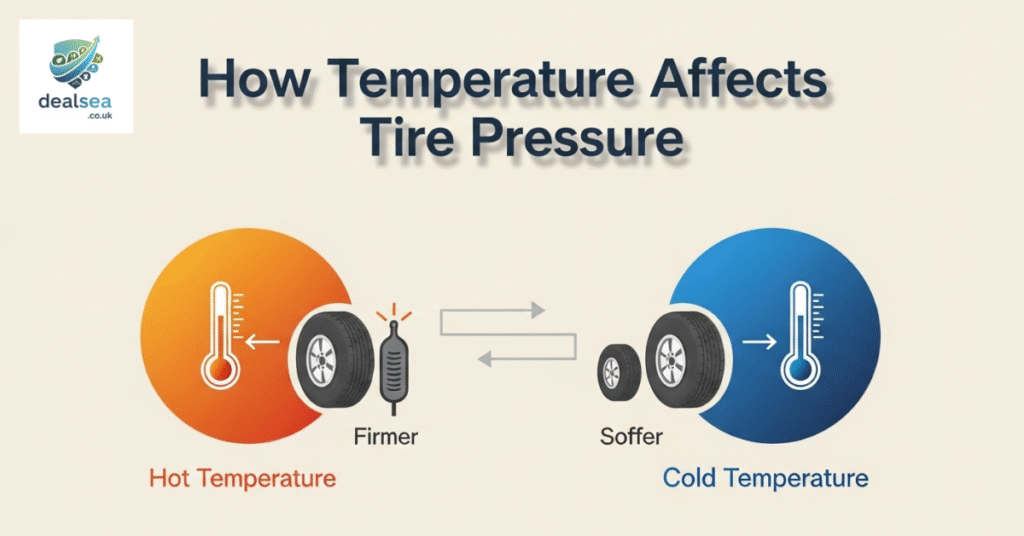
Many Honda owners notice the TPMS light flickering on during cold mornings. That’s because tire pressure drops about 1 PSI for every 10°F decrease in temperature.
When the air inside the tire cools, it contracts, reducing pressure. Once you drive and the tires warm up, the air expands, and the light might go off.
To avoid this, slightly inflate your tires when the temperature drops, keeping them within the recommended PSI range.
When to Service the TPMS System
Like any other car component, your TPMS sensors can wear out over time. Most last between 5 to 10 years, depending on driving conditions.
You should have the system inspected if you notice:
- A flashing or persistent TPMS light
- Inaccurate readings
- A sensor warning during tire rotation or replacement
Honda service centers can test, reset, or replace faulty sensors quickly to restore accurate monitoring.
Tips to Keep Your Honda’s TPMS Working Perfectly

- Check your tire pressure monthly, even if the TPMS light is off.
- Avoid using tire sealants unless approved for TPMS-equipped vehicles.
- Replace sensors when you install new tires if they’re over 5 years old.
- Keep your tires clean. Dirt around valve stems can affect sensor accuracy.
Small habits like these keep your TPMS system accurate and reliable for years.
Final Thoughts: Why You Shouldn’t Ignore the TPMS Light
If you ever see the TPMS warning in your Honda, don’t ignore it. It’s your car’s way of telling you that something’s wrong with your tires, and tires are the only part of your car that touches the road.
Ignoring low tire pressure can lead to poor performance, safety risks, and costly repairs.
By understanding what TPMS means on a Honda and knowing how to handle it, you can drive with confidence, save on fuel, and extend your tire life. Keeping your TPMS system in check isn’t just good for your car; it’s good for your peace of mind.
FAQS
Is it okay to drive with the TPMS light on?
It’s not recommended that the TPMS light means one or more tires may be underinflated, which can affect safety, handling, and fuel efficiency.
How do I fix my Honda TPMS?
You can fix your Honda TPMS by checking and inflating all tires to the correct PSI, then performing a TPMS calibration through your vehicle’s settings menu.
Why is my TPMS light on, but the tires are fine?
If your TPMS light stays on even when tires seem fine, it could be due to a faulty sensor, a low sensor battery, or recent temperature changes affecting pressure readings.
How long do Honda TPMS last?
Honda TPMS sensors typically last between 5 to 10 years, depending on driving conditions, maintenance, and sensor battery life.
1 thought on “What Does TPMS Mean on a Honda? A Complete Guide”